Windows PCs
Windows 10/11 with Gaming and Work modes.
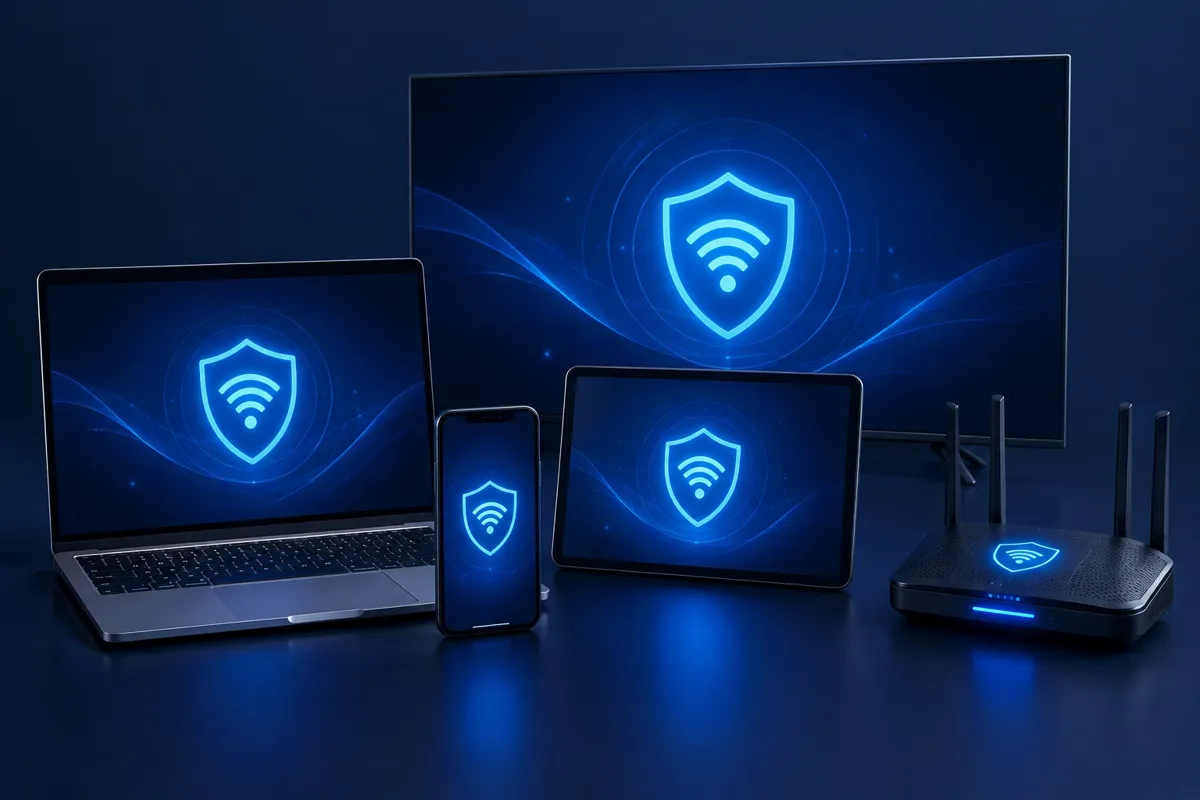
From computers and phones to TVs and routers, one account covers all your screens.
Windows 10/11 with Gaming and Work modes.
Native on Apple silicon, toggle from the menu bar.
iOS 15+, connect automatically with Shortcuts.
Android 8.0+, optional auto-connect on boot.
Remote-friendly UI for smoother overseas HD streaming.
Command-line client for servers and dev machines.
OpenVPN-capable routers cover the whole home.
Share through your router or PC to speed up console play.