Cross-border selling
Reliable logins to overseas store dashboards and ad platforms, with fewer verification hiccups.

Live speed tests pick the best international route for you – smoother matches, stable calls and instant access to overseas resources, all encrypted end to end.
Download for free See plansQuickQ operates access points in Asia, Europe, the Americas, Oceania, the Middle East and Africa. Latency and packet loss are measured in real time to send you out through the clearest exit.


Gaming Mode gives match traffic its own priority lane, cutting hops and jitter so ranked games on NA, EU and Asian servers feel responsive.

Work Mode prioritizes video meetings, cloud sync and online docs – ideal for trading teams, client calls abroad and distributed engineering groups.
Students, developers, cross-border sellers and creators each get routes tuned to what they do.
Reliable logins to overseas store dashboards and ad platforms, with fewer verification hiccups.
Smooth access to international journals, online courses and university mail.
Reach global AI platforms, code hosting and cloud consoles without delays.
Faster uploads to global platforms and smoother HD live streams.
No complicated settings – install and connect with one tap.
Choose the build for your device. Every official installer is code-signed.
Create an account with your email. New users can try basic routes first.
Tap Smart Route and the app tests and connects to the best node.
Speed, privacy and simplicity get equal weight in everything we ship.
Route quality is checked every few seconds and switched silently when the network wobbles.
AES-256 and ChaCha20 protect you, even on public Wi-Fi.
We never store visited sites or traffic content, reducing exposure at the source.
Choose which apps use the accelerated route while the rest stay direct.
If the tunnel drops, traffic is blocked so your real address is not exposed.
Bilingual support agents usually resolve common issues within one business day.
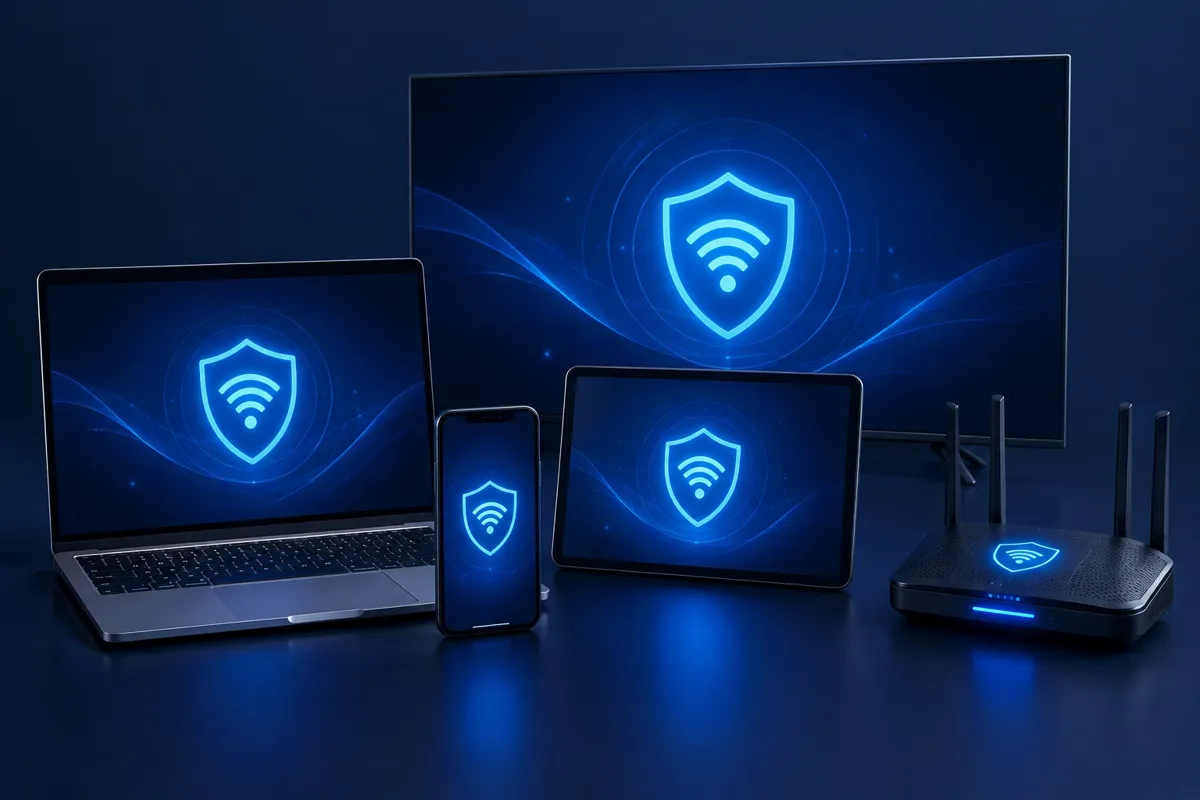
Computers, phones, smart TVs and home routers all have a QuickQ app or setup guide, with settings synced in real time.
Every plan includes all core features, plus a 7-day refund on your first purchase.
$5.99/mo
Flexible, cancel anytime
$39.99/yr
About $3.33/mo – most popular
$14.99/qtr
About $5.00/mo
Payments are processed by licensed providers; QuickQ never stores your full card number.
Feedback shared by QuickQ users.
We meet European clients on video every day. Since switching, frames barely freeze and calls run much smoother.
Ranked nights on Asian servers used to spike constantly. Gaming Mode keeps my ping flat.
Research papers and AI coding tools both load fast. Split tunneling is the feature I use most.
Store dashboards and ad accounts log in reliably now – no more failed checks caused by the network.
Visit the Help Center for more answers.
QuickQ is a cross-border network accelerator. It sends your traffic through an encrypted tunnel onto less congested international routes, which helps with online games, video meetings, overseas research and running stores abroad.
The Starter plan allows 3 devices online at once, Plus allows 5, and Team plans scale with seats. When the limit is reached, the oldest session is asked to sign out.
Tap Smart Route so the app re-tests available lines. If it is still slow, pick a city closer to you, or switch the protocol to Stable Mode in Settings and reconnect.
No. We do not record the sites you visit, files you download or traffic content. We only keep what is needed to run your account, such as email and subscription status.
We accept Visa, Mastercard, UnionPay and PayPal. If you are not satisfied, request a full refund by email within 7 days of your first purchase.
Download QuickQ, finish setup in minutes and stay connected anywhere.
Download QuickQ free